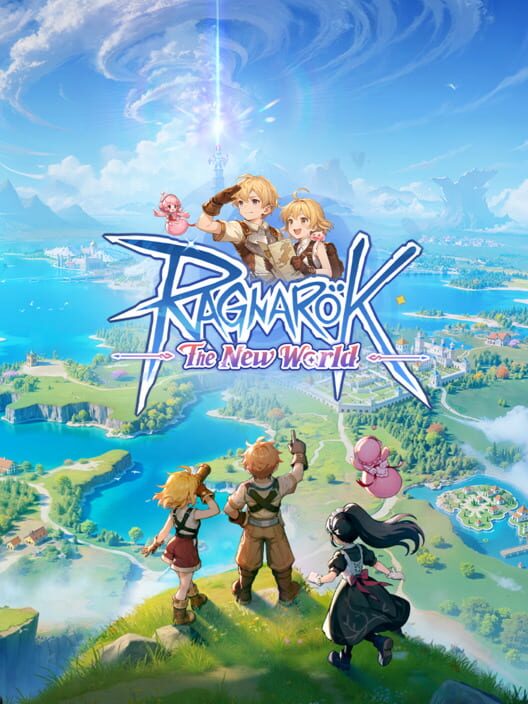
RAGNAROK: THE NEW WORLD
NOTE: Only Works in PC/Desktop or Android
Watch this Top-Up Tutorial First:
https://youtu.be/FvGHxu3aOiE
TOP UP PROCESS:
1. Go to Official Webstore:
https://pay.gnjoy.hk/platform/
officialTopupNew.html?gameId
=456&cid=web&srtl=3276.0.0.0&
op_scid=NJn5LO6y96OxrCzMza0M
Q&customFrom=global-pay#/
2. Log in your Account
3. Open your VPN and choose "THAILAND"
4. Choose your desired product.
5. Select the Payment Method "GOCStar" & click Submit.
6. Copy and Paste the Payment Link, then click "Buy Now"
7. Your selected product will be credited to your Account.
Note: When the system is undergoing maintenance, processing of transactions may take some time up to 24 hours. Transactions will be auto refunded in your wallet balance if the order is unsuccessful.
Others Games




Reviews and Transactions
Recent reviews and transactions. Reviews will be created automatically if there are no complaints, and you can edit them at any time.
5.0 /5
(1.318) Reviews
xamm****@gmail.com
xamm****@gmail.com
xamm****@gmail.com
xamm****@gmail.com
akos******@gmail.com
Input Payment Link
Example: https://pay.goc.id/paymentchannel/gocstar/?paycode=72736a32-657a-4565-a57a-726a39716933
Select item
Garden Gift Packages
Tournament Pass Deluxe Packages
Pet Gift Packages
Kafra Packages
Daily Packages
Wondertour Packages
Privilege Packages
First Top-Up Pack
Starstones Packages
Order Quantity
Select payment method






Got voucher code?
Order Confirmation
Reviews and Transactions
Recent reviews and transactions. Reviews will be created automatically if there are no complaints, and you can edit them at any time.
5.0 /5
(1.318) Reviews
xamm****@gmail.com
xamm****@gmail.com
xamm****@gmail.com
xamm****@gmail.com
akos******@gmail.com