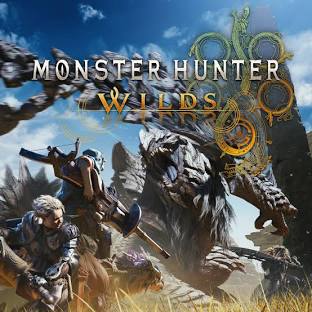
MONSTER HUNTER WILDS STEAM KEYS
TOP UP PROCESS:
1. Select your desired voucher.
2. Finalize the payment.
3. Check the transaction history to get the Voucher Code.
HOW TO REDEEM:
1. Log into your Steam Account.
2. Click Games.
3. Click "Activate a Product on Steam".
4. Enter the Product Code and click Confirm.
Note: When the system is undergoing maintenance, processing of transactions may take some time up to 24 hours. Transactions will be auto refunded in your wallet balance if the order is unsuccessful.
Others Games




Reviews and Transactions
Recent reviews and transactions. Reviews will be created automatically if there are no complaints, and you can edit them at any time.
0.0 /5
(0) Reviews
Enter account details
Select item
Order Quantity
Select payment method






Got voucher code?
Order Confirmation
Reviews and Transactions
Recent reviews and transactions. Reviews will be created automatically if there are no complaints, and you can edit them at any time.
0.0 /5
(0) Reviews